Switch between websites and language versions in the CMS.
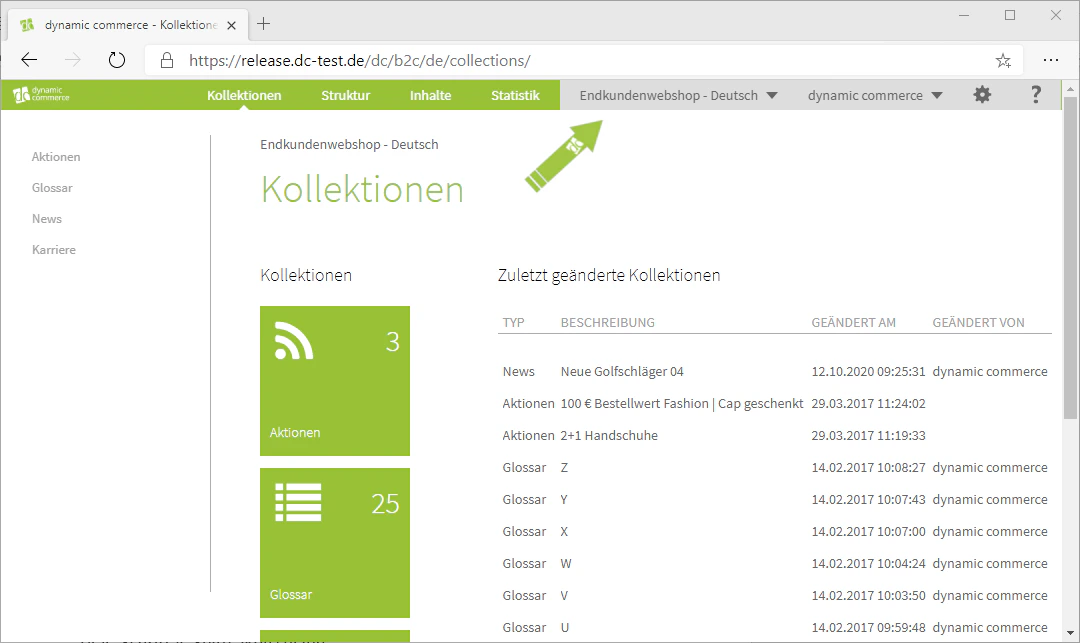
In the bar at the top, you can see on the right side which of your websites you are currently editing or have open.
We show you how to create a new website under Create Websites.
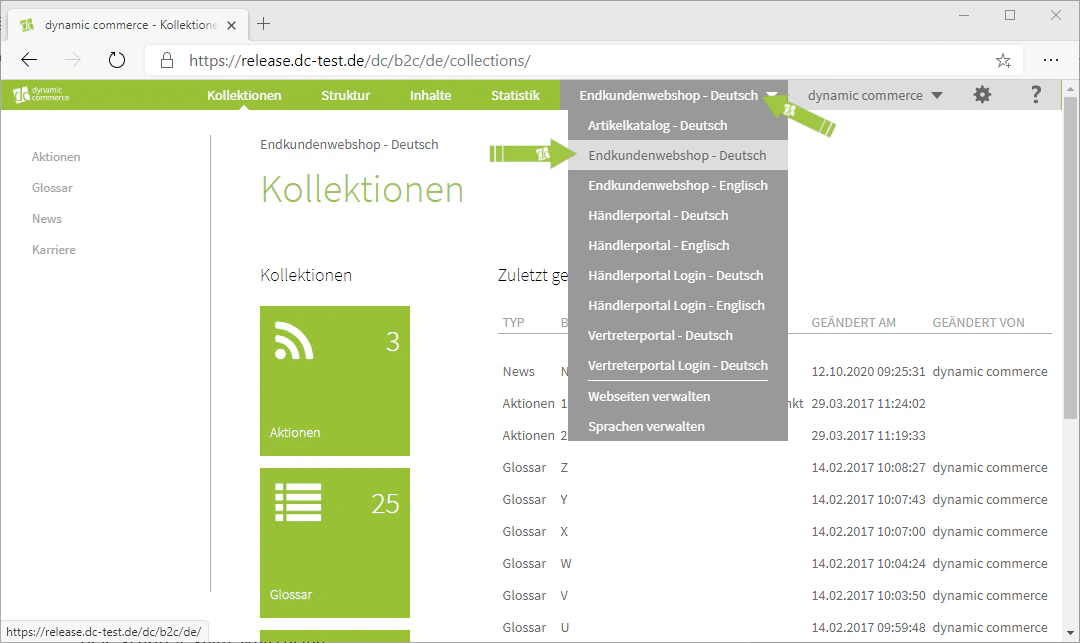
You also have the option there to switch between your websites and open a different one. This works by hovering over the drop-down with your mouse and selecting one of your websites. If you have stored multiple languages for one of your websites, you can also switch between the respective language versions there.
Please note that the name of the website is displayed first, followed by the respective language after the hyphen.