
Navigate to the Help Menu
You can access the Help menu by hovering your mouse over the additional information icon — the question mark in the top right corner — and selecting “Help”.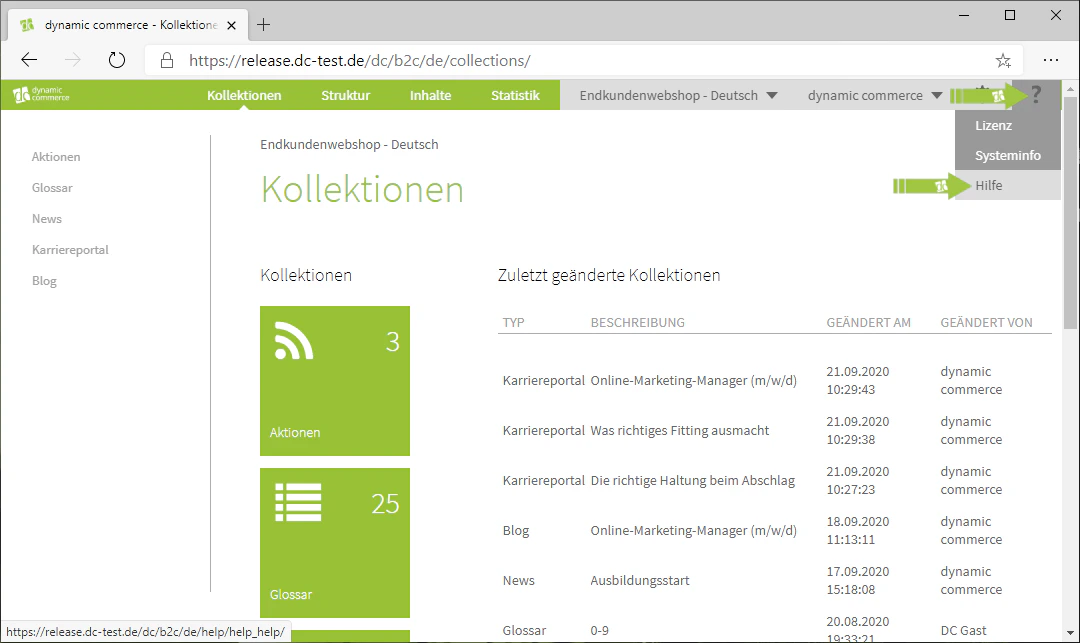
Using the Support Portal
In the Help menu you will find links to our support portal, where you can easily reach us by submitting a ticket. We are of course always happy to assist you.Contact dc AGOffice KU: Von-Linde-Str. 11, 95326 Kulmbach, GermanyOffice MAK: Leopoldstraße 32, 95615 Marktredwitz, GermanyTel: +49 9221 9652-100E-Mail: info@dc.ag
Related Topics
General Navigation
Orientation in the CMS and an overview of all tabs.
User Management
Manage users and permissions.