
1
Step 1: Open the Web Shop Item Overview
Navigate to the Web Shop Item Overview area by entering “Web Shop Item Overview” in the search.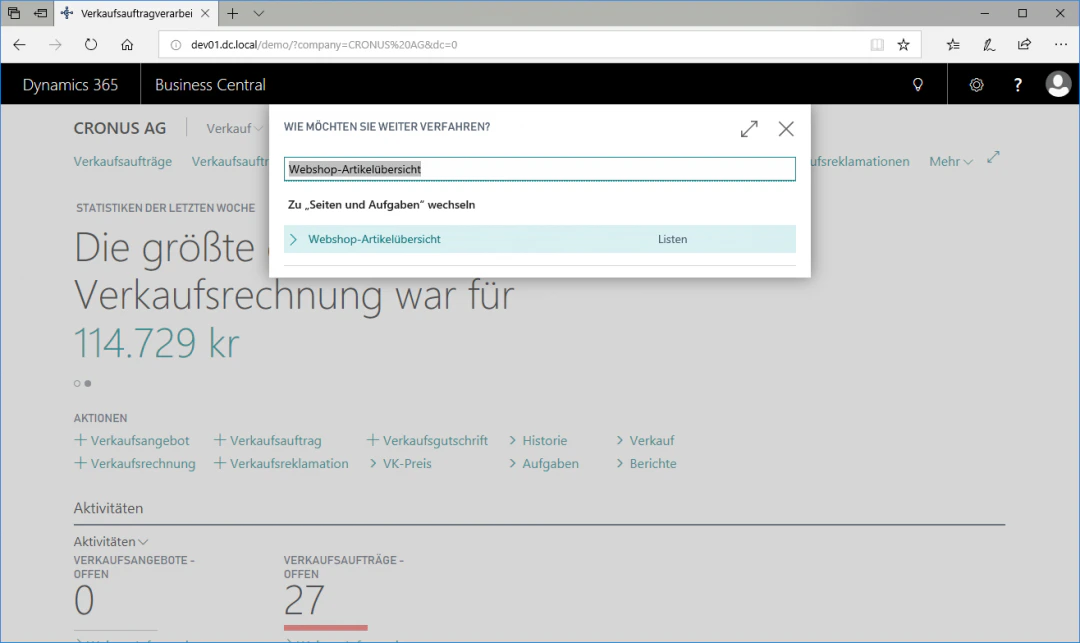
2
Step 2: Open the Customer Permissions View
Select the row with the desired item for which you want to create or change permissions, in this case the Touring Wheel 1000.In the “Navigate” ribbon, navigate to the “Additional Functions” FastTab and click the “Customer Permissions” FastTab to access the Customer Permissions view.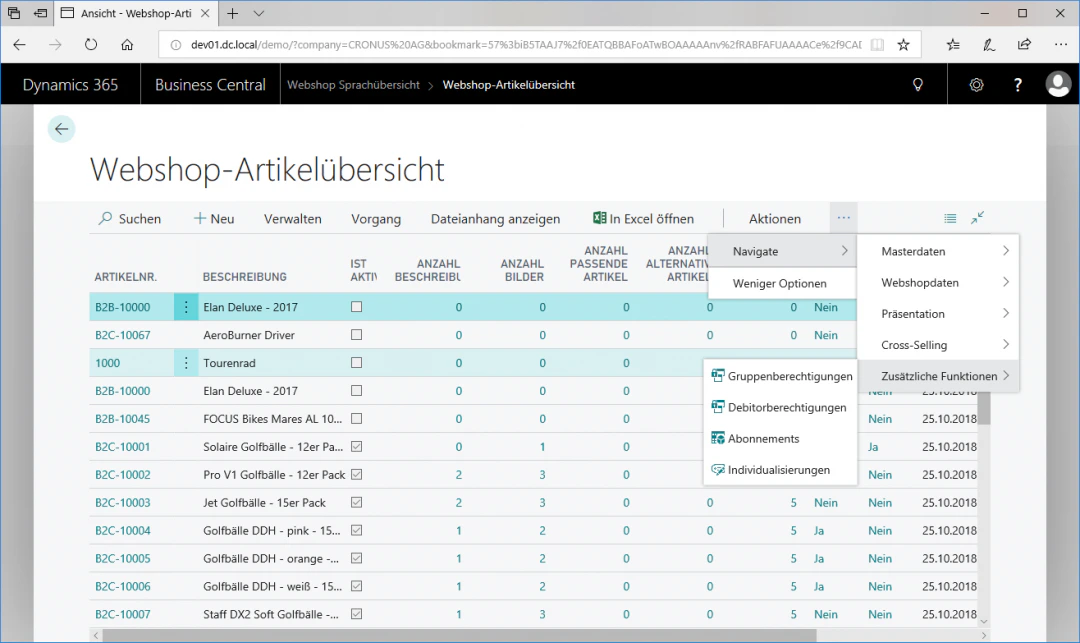
3
Step 3: Define the Customer
To assign the item to a specific customer, click in the “Customer No.” column in the first empty row and select your desired customer.In our example, this is Möbel-Meller KG with the customer number 10000.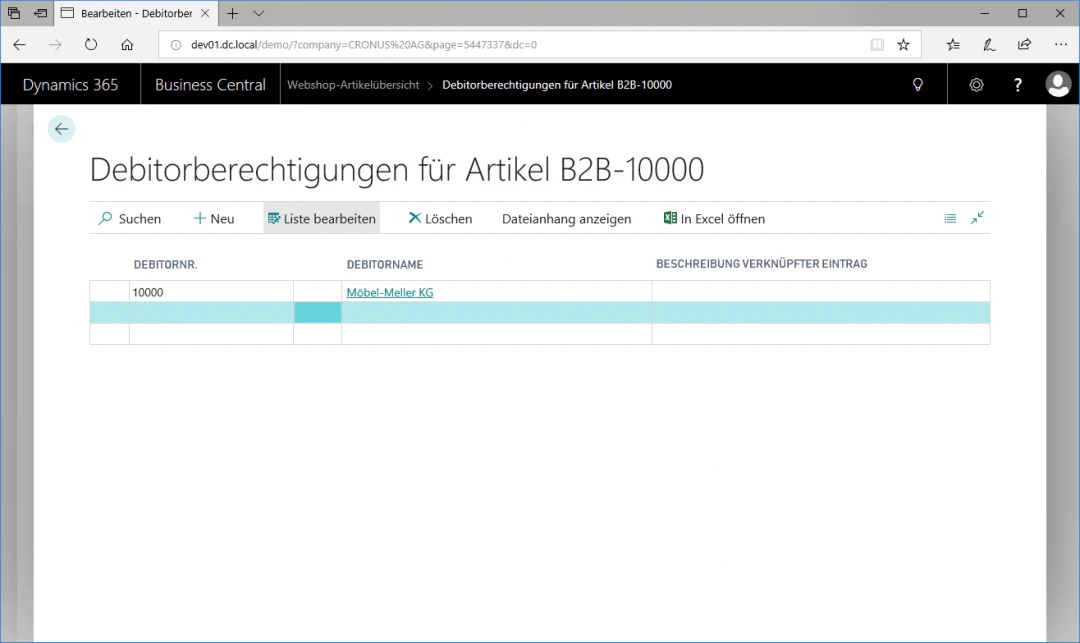
Related Topics
Enable Customer for Web Shop
Enable customers for login and purchasing.
Set Up Web Shop Items
Maintain items for the web shop.